Memory Cards
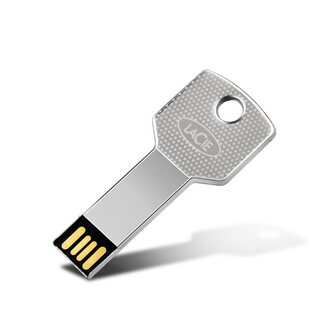
U disk archive NS SX OS
Basic usage
1: Unzip the SD file to the microSD card of the Nintendo Switch.
For files larger than 3.7GB, it is recommended to use exFAT, which includes a large number of games.
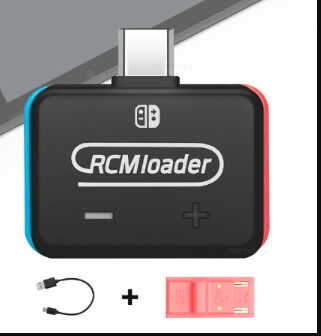
2: Insert the RCMloader and RCMclip into the Nintendo Switch.
RCMloader enters the charger port, the RCMclip in the right joycon track.
3: Press and hold the volume up and press the power button, CFW should start.
After the CFW is started, you can delete the RCMloader and RCMclip.
4: Enjoy the latest games and homemade games!
A more comprehensive guide can be found here.
SKU CJJSCCNC00013-Black · In stock
Availability
Shipped from China In stock
Shipping estimate
Secure checkout — payments processed by Stripe; card details never touch our servers.
Not right? See our refund policy and terms.
Typically delivered in 7–20 business days.
U disk archive NS SX OS
$24.99
Frequently bought together
U disk archive NS SX OS
$24.99
Total: $41.25